
Choose the GPX file
Drop starter-route.gpx onto the upload area, or click it to select the file. Choose Continue to detect the file format.
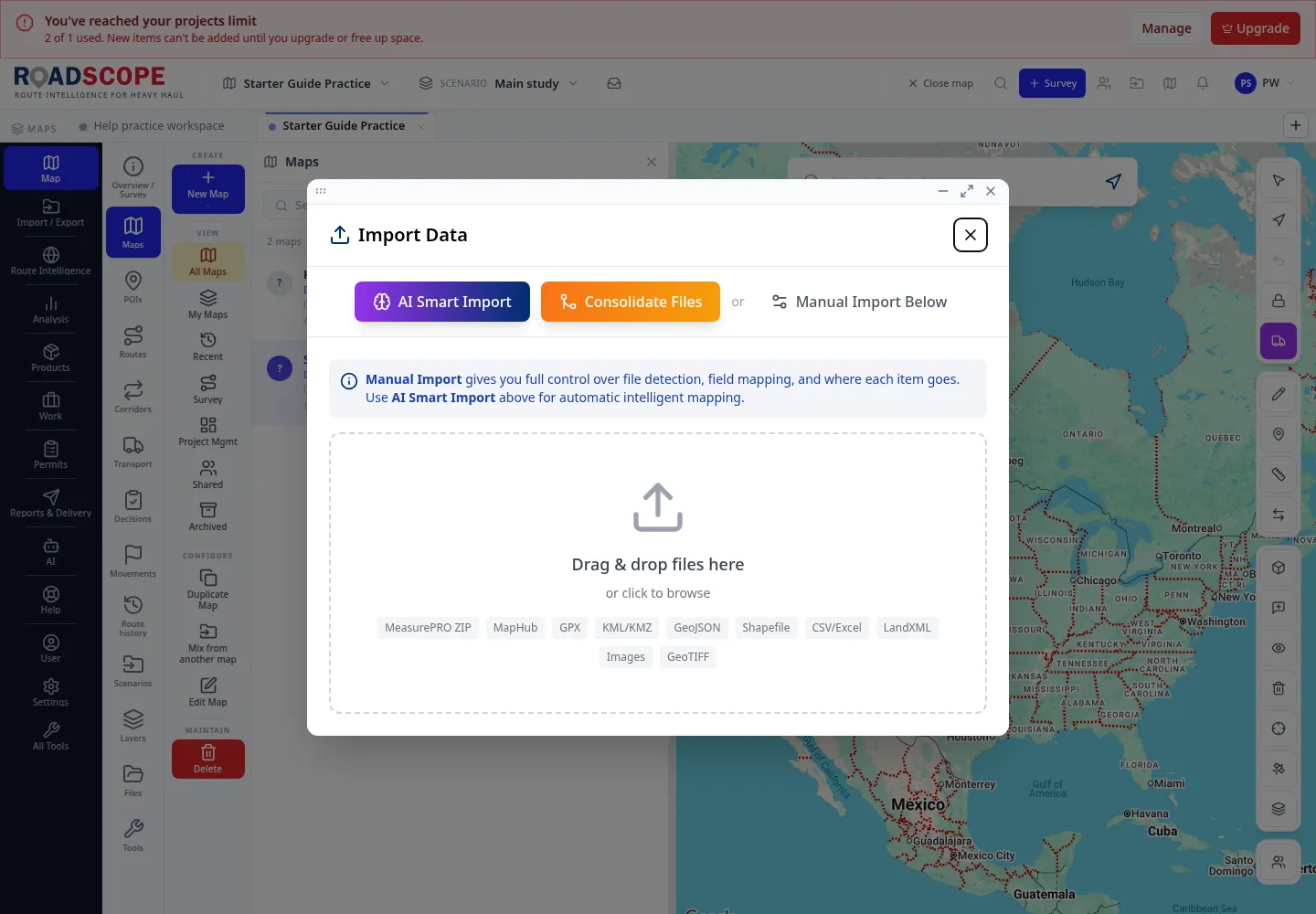
- Annotation 1: Select the small GPX demonstration file.
Listen to this step
Narration uses your device’s voice. Voice and availability depend on your browser and device. It only starts when you choose Play.
Full narration transcript
Choose the GPX file. Drop starter-route.gpx onto the upload area, or click it to select the file. Choose Continue to detect the file format.