
Review and import
Check the preview shows one route. Choose Import 1 items. Wait for Import Complete; do not close the window while it is saving.
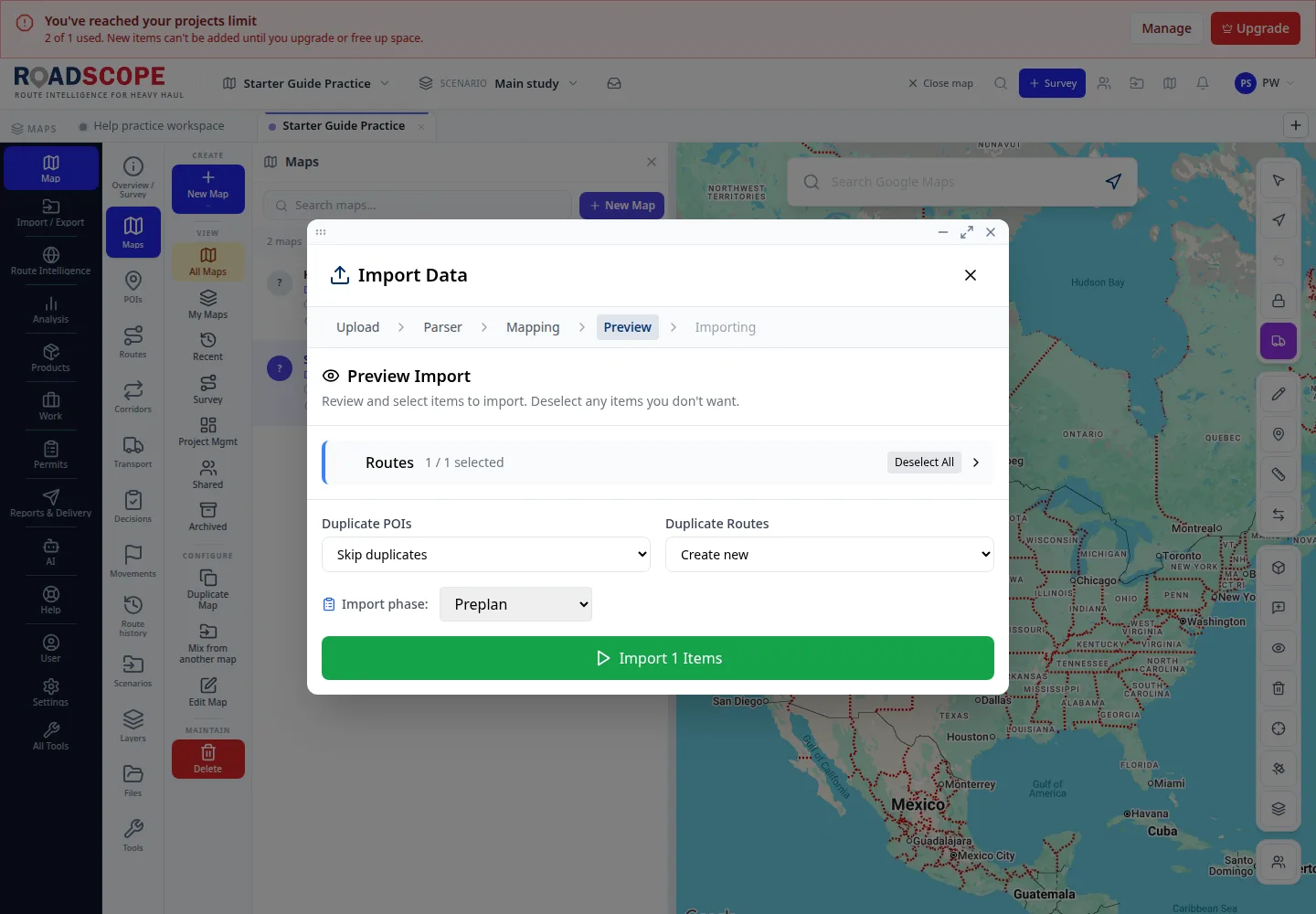
- Annotation 1: Confirm the route count before importing.
Listen to this step
Narration uses your device’s voice. Voice and availability depend on your browser and device. It only starts when you choose Play.
Full narration transcript
Review and import. Check the preview shows one route. Choose Import 1 items. Wait for Import Complete; do not close the window while it is saving.