
Open the guided importer
Choose Import / Export in the workspace rail. Under Import map and survey data, choose Open guided import.
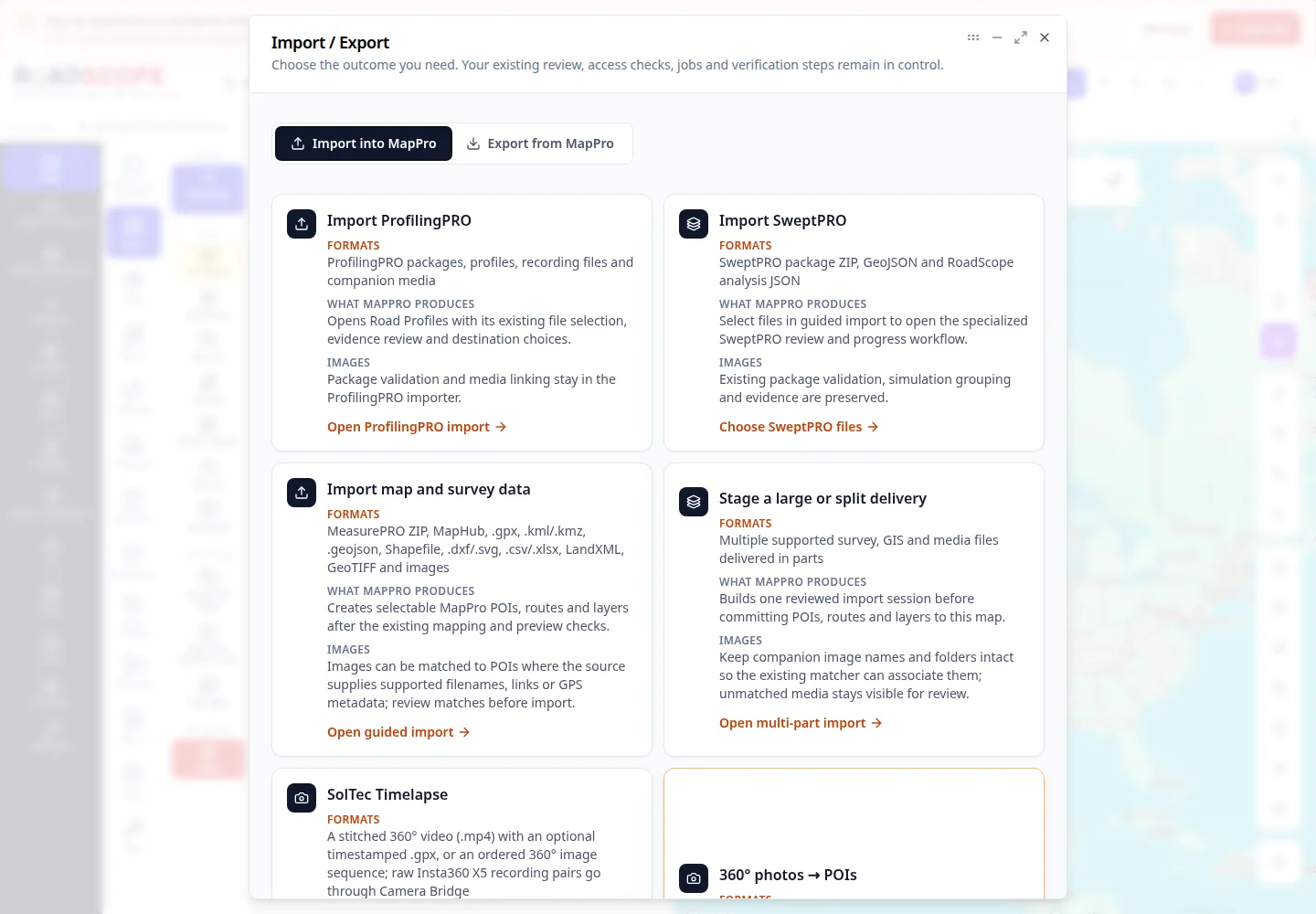
- Annotation 1: Open guided import.
Listen to this step
Narration uses your device’s voice. Voice and availability depend on your browser and device. It only starts when you choose Play.
Full narration transcript
Open the guided importer. Choose Import / Export in the workspace rail. Under Import map and survey data, choose Open guided import.