
Save and check persistence
Choose Create POI. Reload the map and open Map, then POIs. Expand Overpass if needed. The saved row shows the demonstration POI, one photo, one measurement and height: 4.80 m. Reopen it to inspect or correct the details.
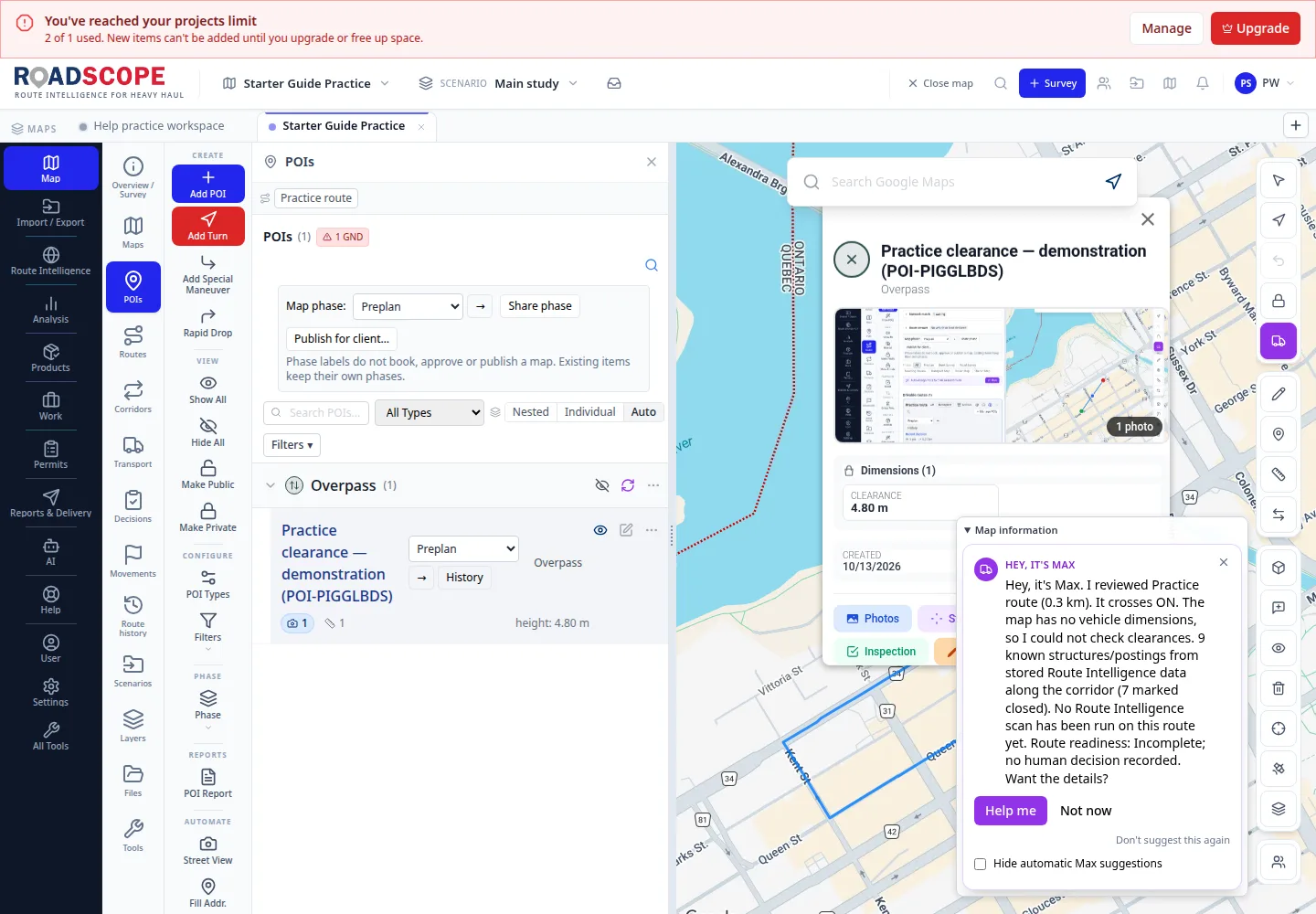
- Annotation 1: Saved image and measurement counts accompany the POI.
Listen to this step
Narration uses your device’s voice. Voice and availability depend on your browser and device. It only starts when you choose Play.
Full narration transcript
Save and check persistence. Choose Create POI. Reload the map and open Map, then POIs. Expand Overpass if needed. The saved row shows the demonstration POI, one photo, one measurement and height: 4.80 m. Reopen it to inspect or correct the details.