
Save and confirm the map
Scroll to the bottom of the form and choose Create Map. Open Map, then Maps to confirm the saved map appears. Reload and check that Starter Guide Practice remains in the list; its Active badge identifies the current map.
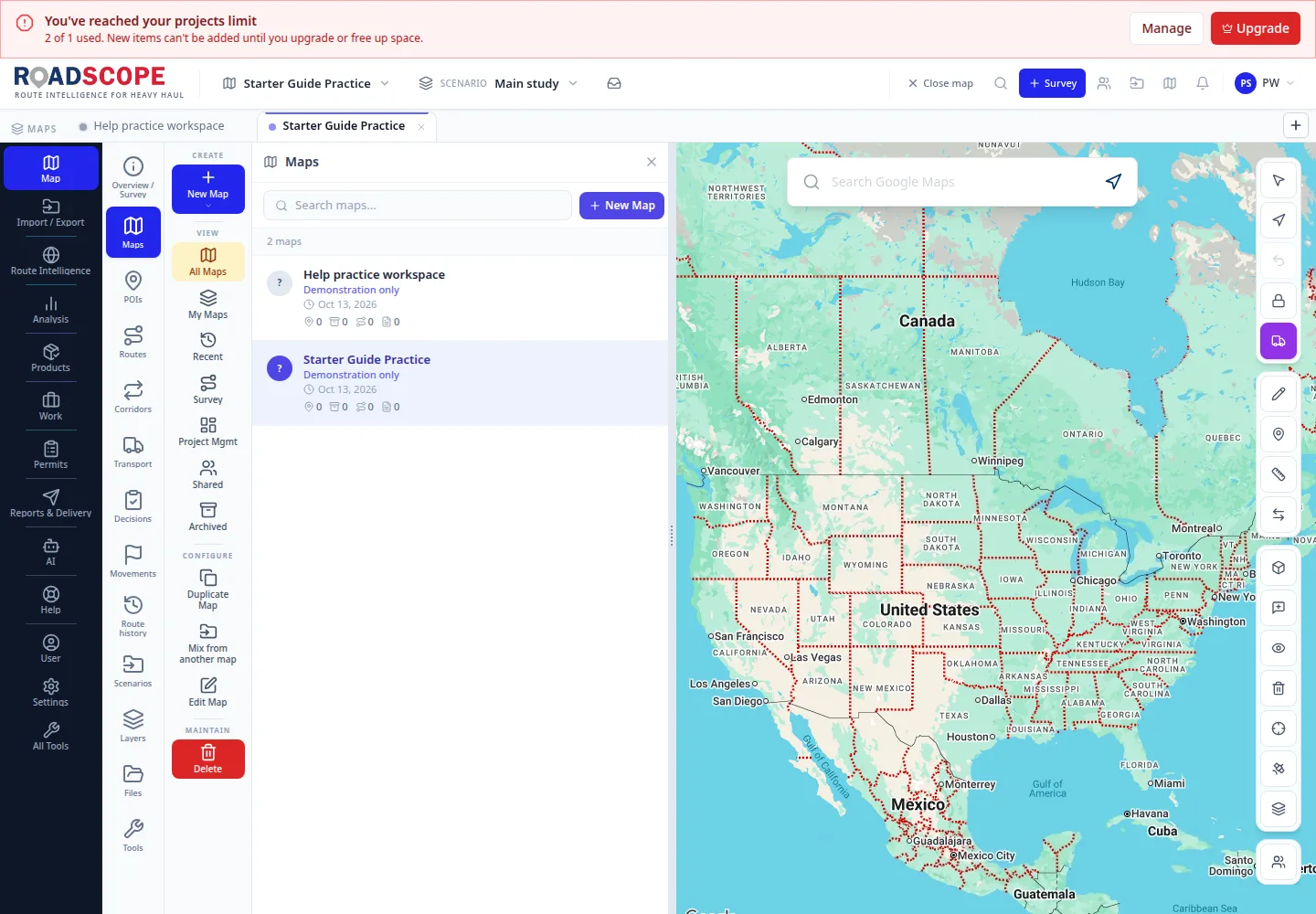
- Annotation 1: The saved map remains in Maps after reloading.
Listen to this step
Narration uses your device’s voice. Voice and availability depend on your browser and device. It only starts when you choose Play.
Full narration transcript
Save and confirm the map. Scroll to the bottom of the form and choose Create Map. Open Map, then Maps to confirm the saved map appears. Reload and check that Starter Guide Practice remains in the list; its Active badge identifies the current map.