
Enter the required names
Enter a Map Name and Customer Name. This example uses Starter Guide Practice and Demonstration only. Leave optional fields blank if they are not known; do not invent project or transport information.
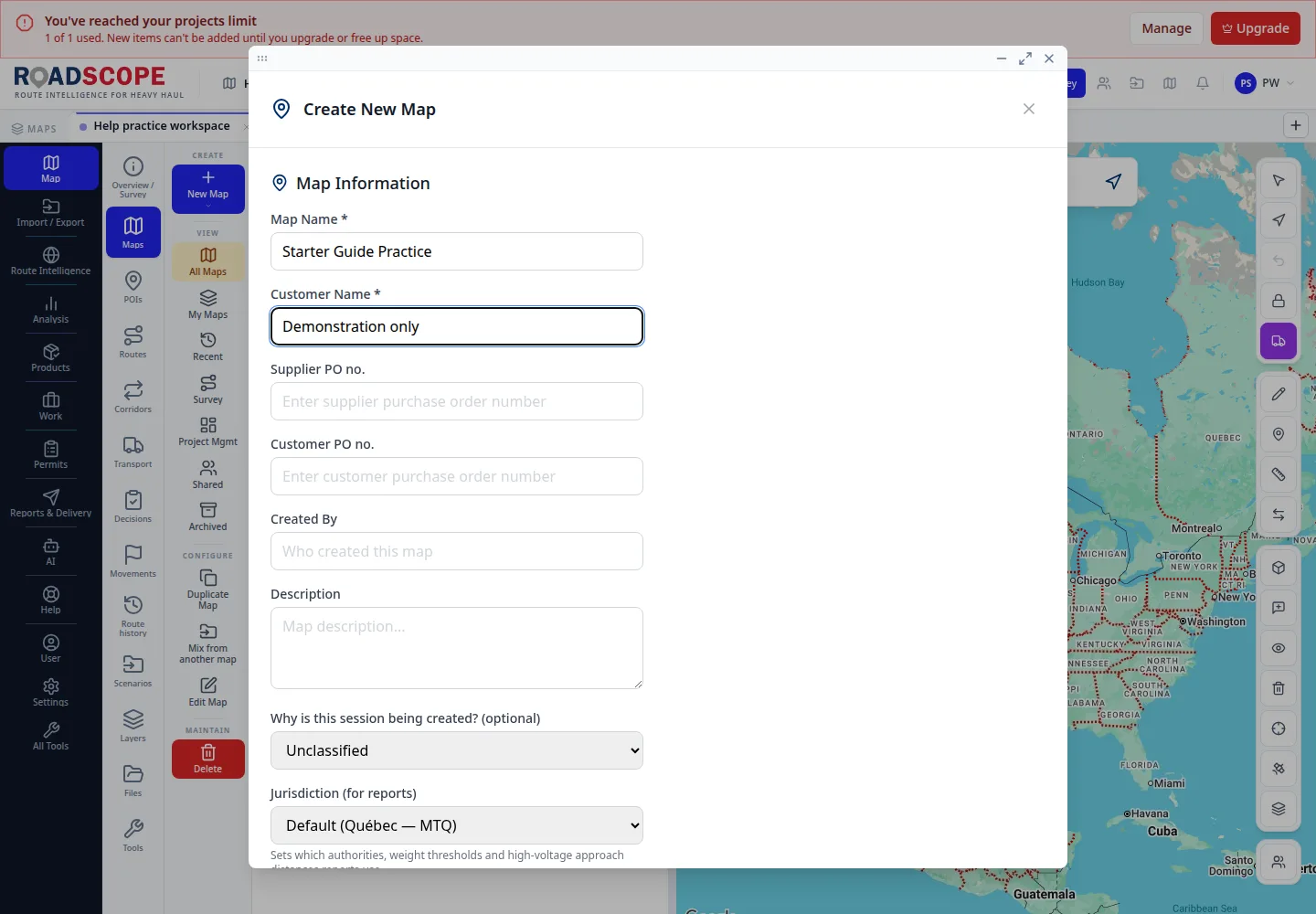
- Annotation 1: Map Name and Customer Name are required.
Listen to this step
Narration uses your device’s voice. Voice and availability depend on your browser and device. It only starts when you choose Play.
Full narration transcript
Enter the required names. Enter a Map Name and Customer Name. This example uses Starter Guide Practice and Demonstration only. Leave optional fields blank if they are not known; do not invent project or transport information.