
Open Maps
In the map workspace, choose Map, then Maps. Choose New Map, then Survey Map. If your account shows a limit warning, check your plan before creating more maps.
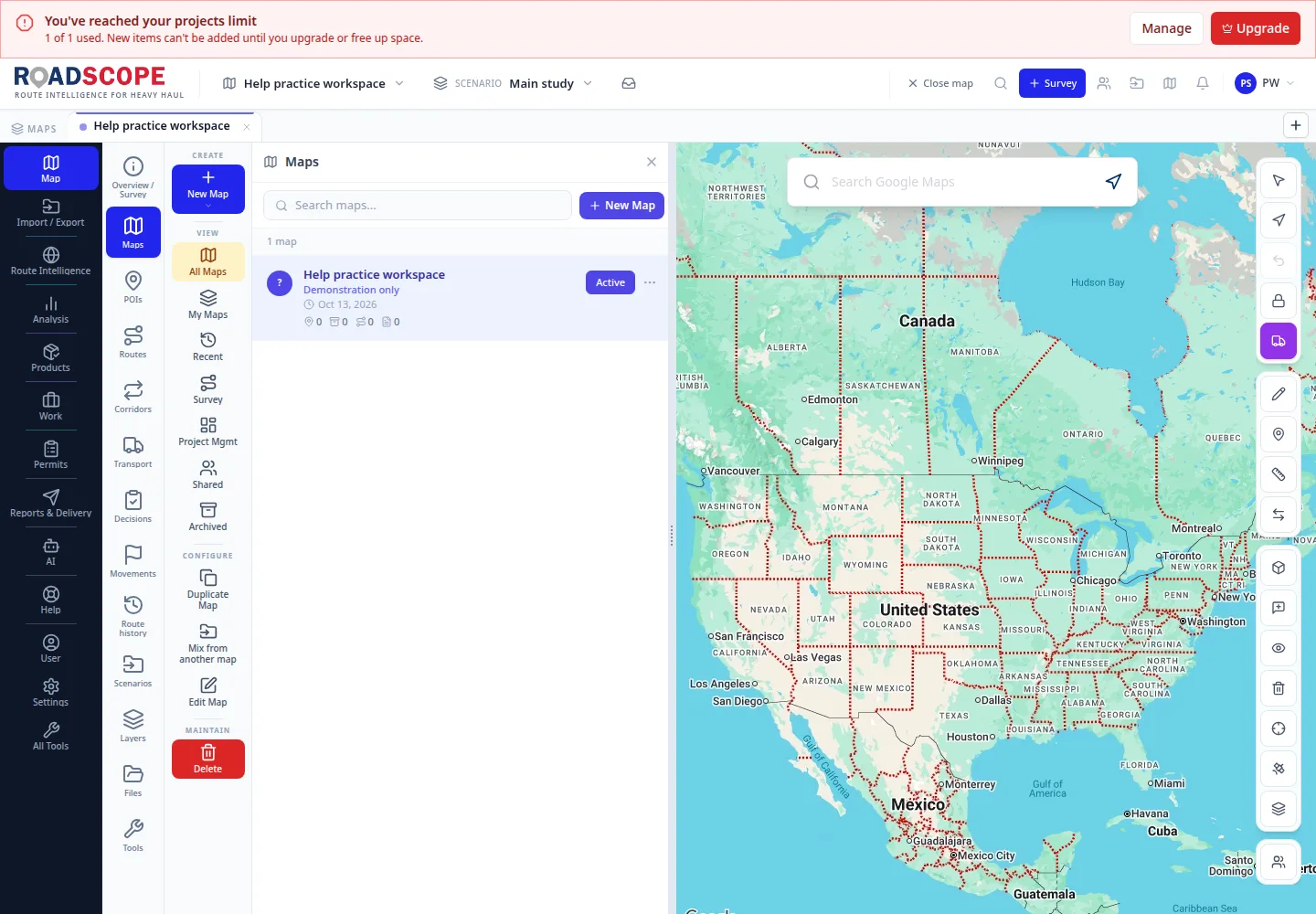
- Annotation 1: New Map opens the map-type menu.
Listen to this step
Narration uses your device’s voice. Voice and availability depend on your browser and device. It only starts when you choose Play.
Full narration transcript
Open Maps. In the map workspace, choose Map, then Maps. Choose New Map, then Survey Map. If your account shows a limit warning, check your plan before creating more maps.